Complex number calculator for any form.
Calculate with complex numbers in rectangular or polar form, and switch between them with a long press.
Included in Scientific Calculator RealMax · Scientific Calculator Pro
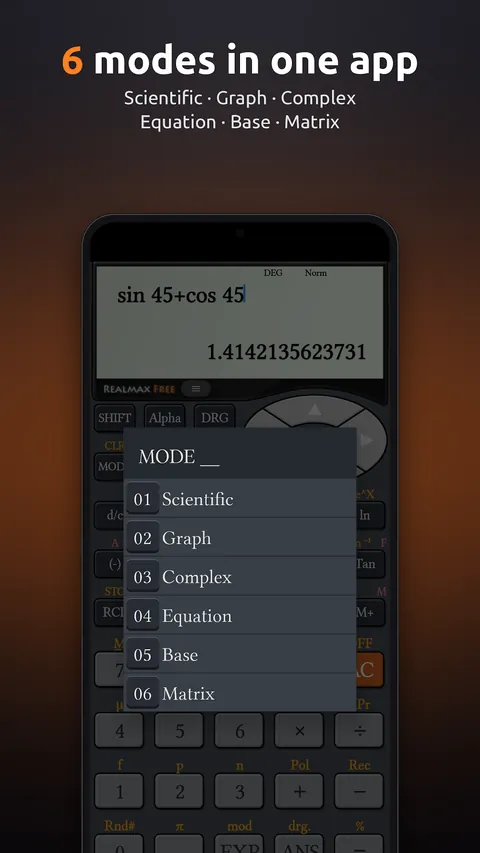
In Complex mode, enter numbers with the i key for rectangular form (x + yi) or the ∠ key for polar form (r ∠ θ). Add, subtract, multiply and divide as usual.
Special keys give the absolute value (abs), argument (arg) and conjugate (conjg). Choose whether answers appear in rectangular or polar form, or long-press = to see the other form instantly. Perfect for AC circuits and signals.
Examples
How to use it in RealMax.
- 1Press MODE and choose Complex.
- 2Type numbers with i (for x + yi) or ∠ (for r ∠ θ).
- 3Use abs, arg and conjg for absolute value, argument and conjugate.
- 4Press 0.00 to pick rectangular or polar answers. Long-press = to see the other form.
Want more detail? Read the Complex mode guide →
Good to know.
Can RealMax show answers in polar form?
Yes. Choose rectangular or polar answers in the answer format menu, or long-press = to switch for a single answer.

Try the complex number calculator free
Download Scientific Calculator RealMax from Google Play. iPhone and iPad versions are coming soon.