← All apps Pro Android · iOS coming soon
GET IT ONGoogle PlayCOMING SOON ONApp Store
Pro Android · iOS coming soon Scientific Calculator Pro
Everything in RealMax Scientific. No ads, ever.
1K+DownloadsOne-timeno subscription
01 / Overview
Built for real work.
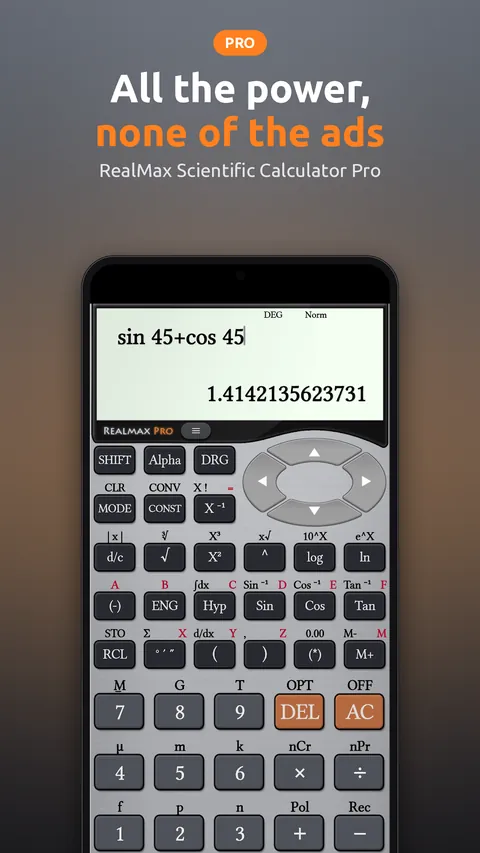
Scientific Calculator Pro gives you the complete RealMax toolset (calculus, graphing, equation solving, matrices, complex numbers and Base-N) in a clean, ad-free app you buy once and keep.
Perfect for
- Engineers who use a calculator every day
- Students who want zero distractions while studying
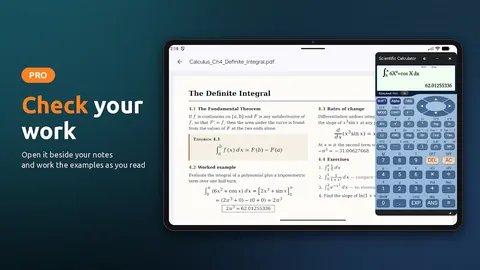
- Working through textbooks and PDFs in split-screen
02 / Features
Everything inside.
Pro advantages
- Completely ad-free
- One-time purchase, no subscription
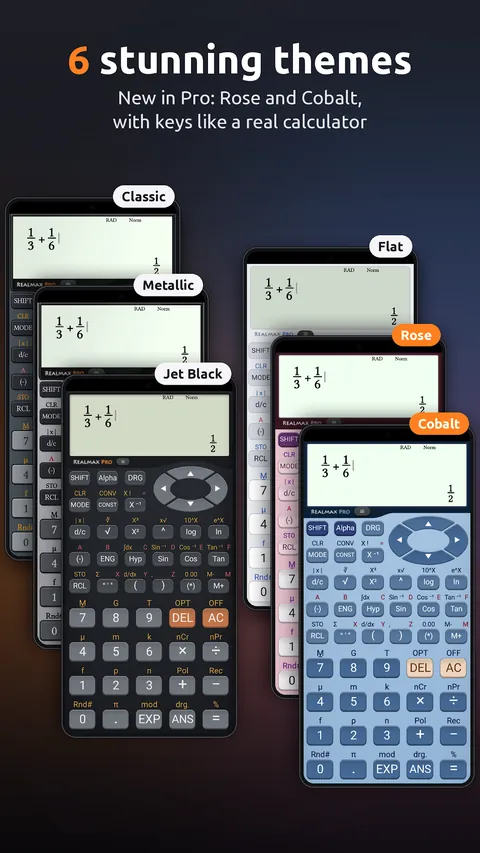
- Two extra themes: Rose and Cobalt
- Split-screen beside your notes and PDFs
Scientific calculations
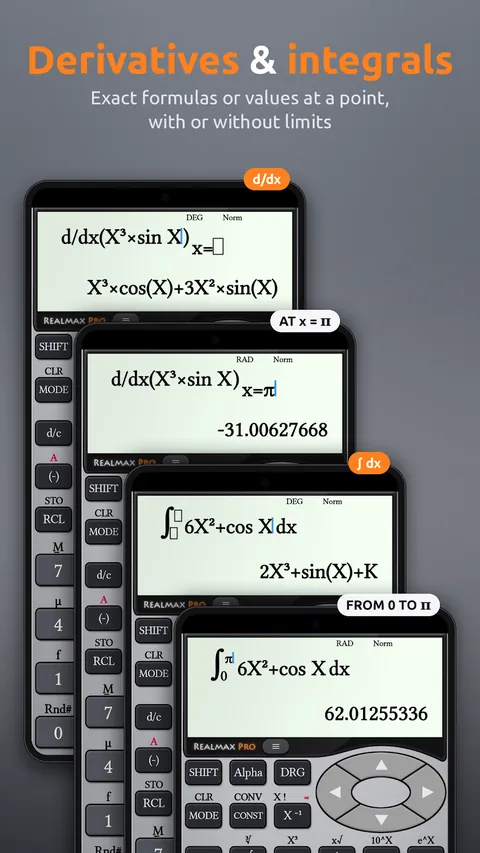
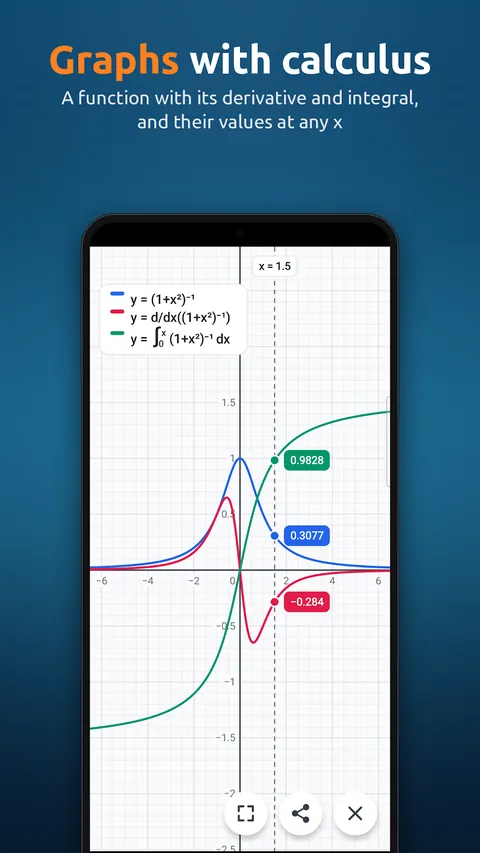
- Calculus: derivatives (d/dx) and integrals (∫dx) with exact answers
- Derivative formula, like d/dx(X³) = 3X², or the slope at a value of x
- Antiderivative + K, or the definite integral with limits
- Trigonometric, hyperbolic and inverse functions
- log, ln, 10^x, e^x, powers, roots and factorials
- Combinations (nCr) and permutations (nPr)
- Complex numbers in rectangular and polar form
- Fractions with ab/c and d/c input
- Degree, Radian and Gradian modes
Graphing & equations
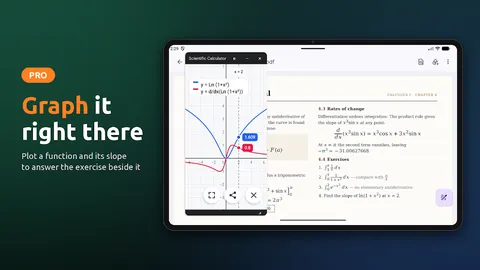
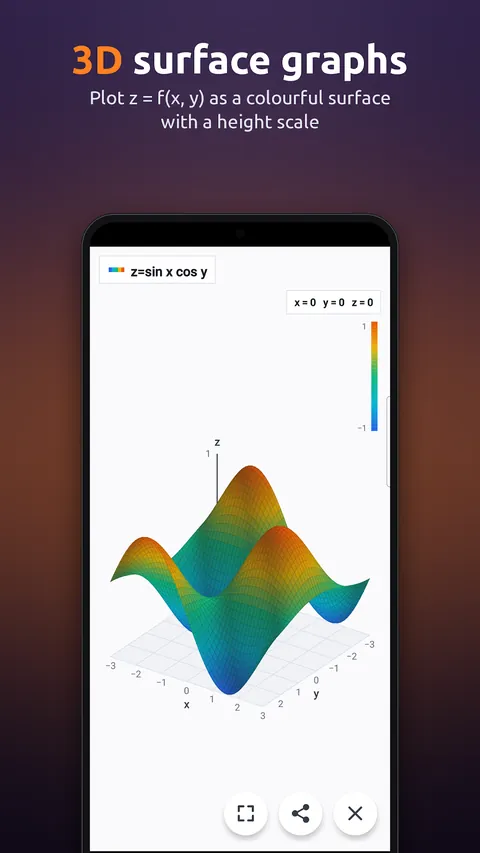
- Graphing calculator with points marked on the grid
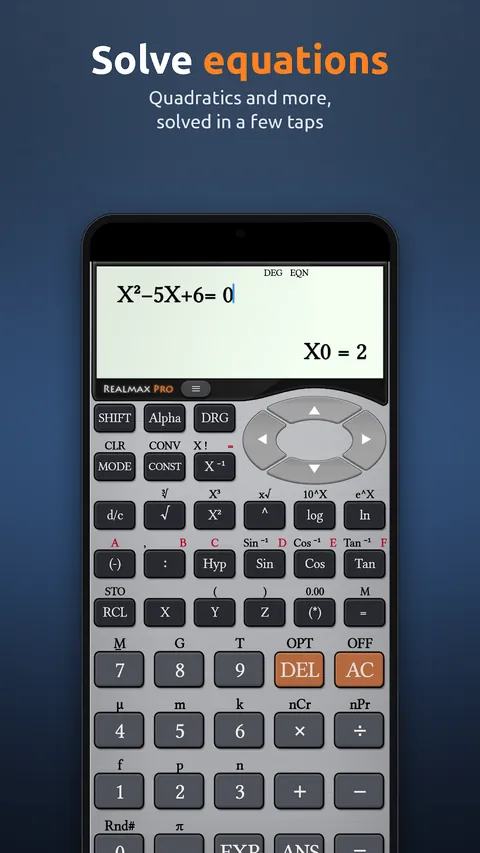
- Equation solver for linear, quadratic and cubic equations
- Matrix calculator: add, multiply, determinant, transpose and inverse
Engineering tools
- ENG notation with Fix, Sci and Norm display
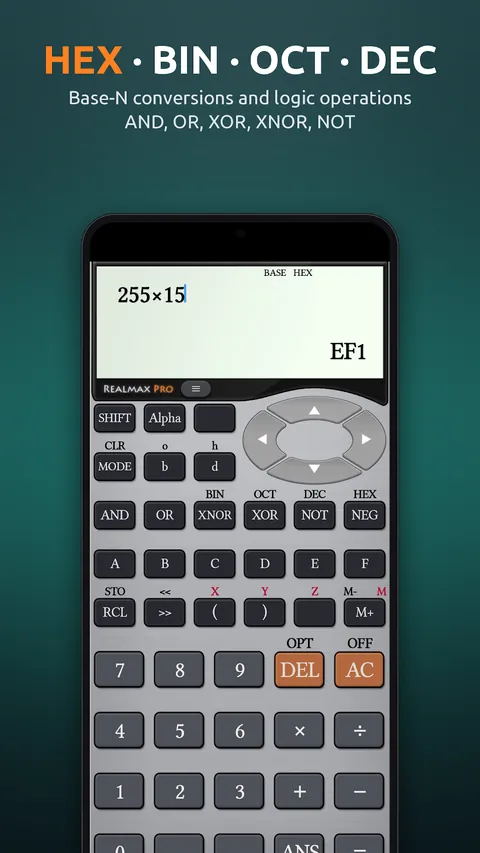
- Base-N: HEX, DEC, OCT, BIN with AND, OR, XOR, NOT
- Unit converter for scientific and engineering units
- 40+ predefined scientific constants
- DMS (degree, minute, second) calculations
- Pol( and Rec( for polar and rectangular coordinates
- 10 variable slots, Ans and memory
Smart features
- History of your last 100 calculations, ready to edit
- Split-screen and multi-window support
- 6 themes: Metallic, Classic, Flat, Jet Black, Rose and Cobalt
- Help and menus in your language
03 / Split-screen
Right beside your notes.
Open it next to a textbook, PDF or lecture slides on a tablet or foldable, and work the examples as you read.
04 / Screenshots
See it in action.
Get Scientific Calculator Pro
Buy once on Google Play, keep it forever. The iPhone and iPad version is on its way.